

Website mistakes quietly cost small businesses customers every day. These are the eight we see most often, and how to fix them.
Most visitors decide within seconds whether a website is worth their time. These are the mistakes we see most often on small business websites, and the good news is that every one of them can be fixed.
1. A slow website
Heavy images and cheap hosting make pages drag. If your site takes more than about 3 seconds to load you will most likely lose the visitor, and search engines notice too. Optimised, compressed images and decent hosting make an immediate difference.
2. Not mobile friendly
Most people browse on their phones. If your site needs pinching and zooming, you are losing enquiries every day. Around 67% of users prefer buying from mobile-friendly sites and 40% have switched to a competitor after a poor mobile experience.
3. An unclear message
A visitor should know what you do, who it is for and what to do next within a few seconds of arriving.
4. Hard-to-find contact details
Put your phone number, email and a simple enquiry form where people expect them, and make the phone number tap-to-call.
5. No clear call to action
Every page needs a next step, whether that is calling, booking or requesting a quote. A good call to action tells people what to do and where to go. Keep it concise and simple rather than clever, such as Get Started, Contact Us or Request a Quote.
6. Ignoring search
A beautiful site that Google cannot understand will not be found. Titles, descriptions, headings and sitemaps matter. Common design mistakes that hurt SEO include:
- Missing H1 headings: use one clear, descriptive H1 that contains your target keyword
- Large images and media files: they slow the site down, so resize and compress them
- Pop-ups: reconsider them if visitors find them annoying
- Text in images: search engines generally cannot read it, so repeat important text on the page
- Infinite scroll: content that only loads as you scroll may not be seen by search engines
- Thin content: too little detail on service pages, several services crammed on one page, copied content and spelling mistakes
7. Poor or out-of-date content
Old offers, broken links and stale prices make a business look inactive. Content that is too long and irrelevant drives customers away, and so does content that is too thin to be useful. Irrelevant images, poor use of white space and badly placed ads also spoil the experience. Write for your target audience, in a tone that suits them, and keep it fresh.
8. No website maintenance
Many small businesses think web design is a one-off job. In reality a lot happens in the background of a website, so a maintenance plan keeps it running smoothly. You do not want to hear from your customers that your site is down, or lose enquiries because something is not working. Our Web Care plan looks after this for you.
The bottom line
If you recognise your own site in this list, a short review is often all it takes to fix the biggest problems. You can build an instant estimate in our price calculator, or send us a message and we will talk it through.
A quick audit for common website mistakes
Most website mistakes are easy to spot once you know what to look for. Open your site on a phone, then work through the list above and tick off each one. Website mistakes rarely come alone: a slow page is often also awkward on mobile and unclear about what to do next, so fixing one tends to help the others.
Ask someone who does not know your business to try the site and tell you what confused them. Their answers are often the fastest route to finding the website mistakes that cost you the most enquiries.
Easy fixes for website mistakes
Start with speed. Compress large images and use good hosting, since slow pages are among the most costly website mistakes.
Say what you do. A clear headline and one sentence beneath it remove the most common website mistakes in messaging.
Make contacting you easy. A visible button, phone number and short form fix a whole group of website mistakes in one go.
For helpful guidance on building a site people and search engines like, see Google’s SEO starter guide.
Questions about website mistakes
Can an old website be fixed? Often yes, and sometimes a fresh start is quicker and better value. Our packages start at £549.
Where should I begin? See our web design service, web care plans and pricing.
Websites designed to avoid common mistakes



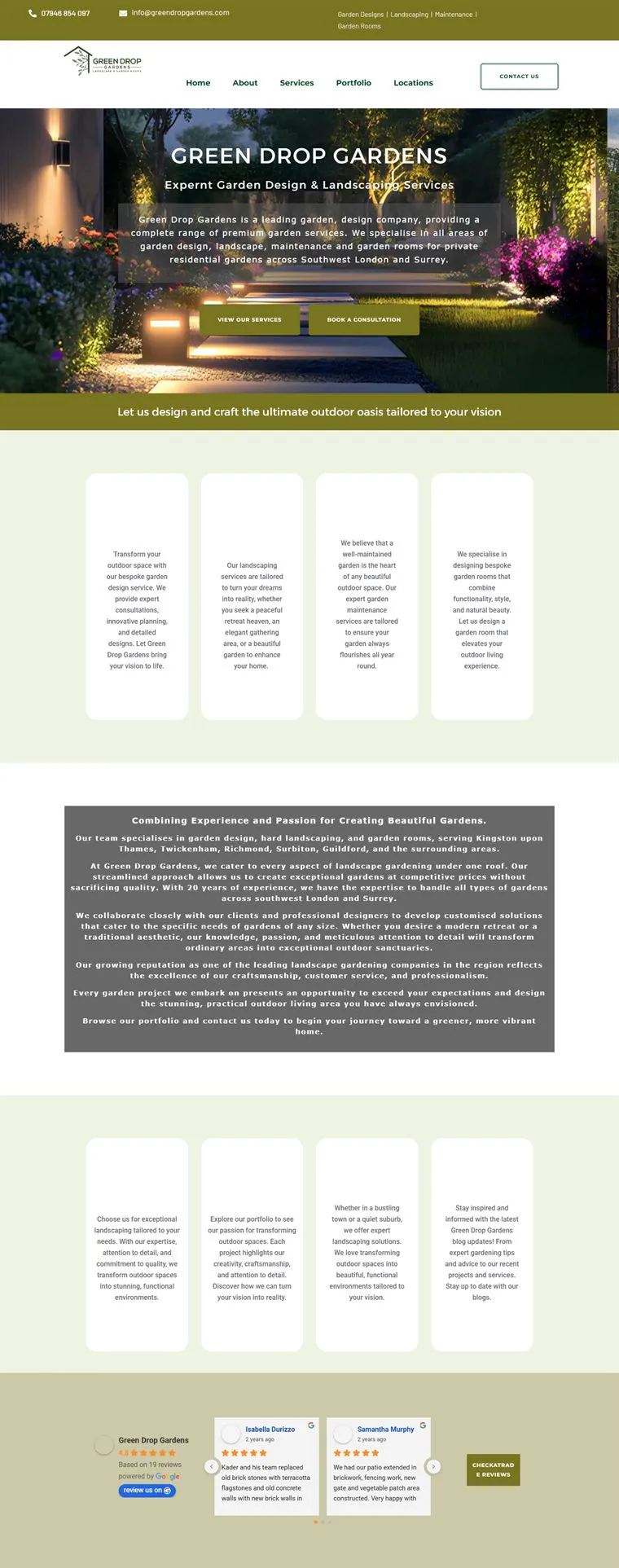
These are websites we designed. Get your free quote to see what avoiding these mistakes could do for your business.



Leave a Reply